New Djangify stores used to start with an emailed setup spreadsheet that users can fill it in and use it to update their site. I find it really helps to keep me focused on remembering what each site needs.
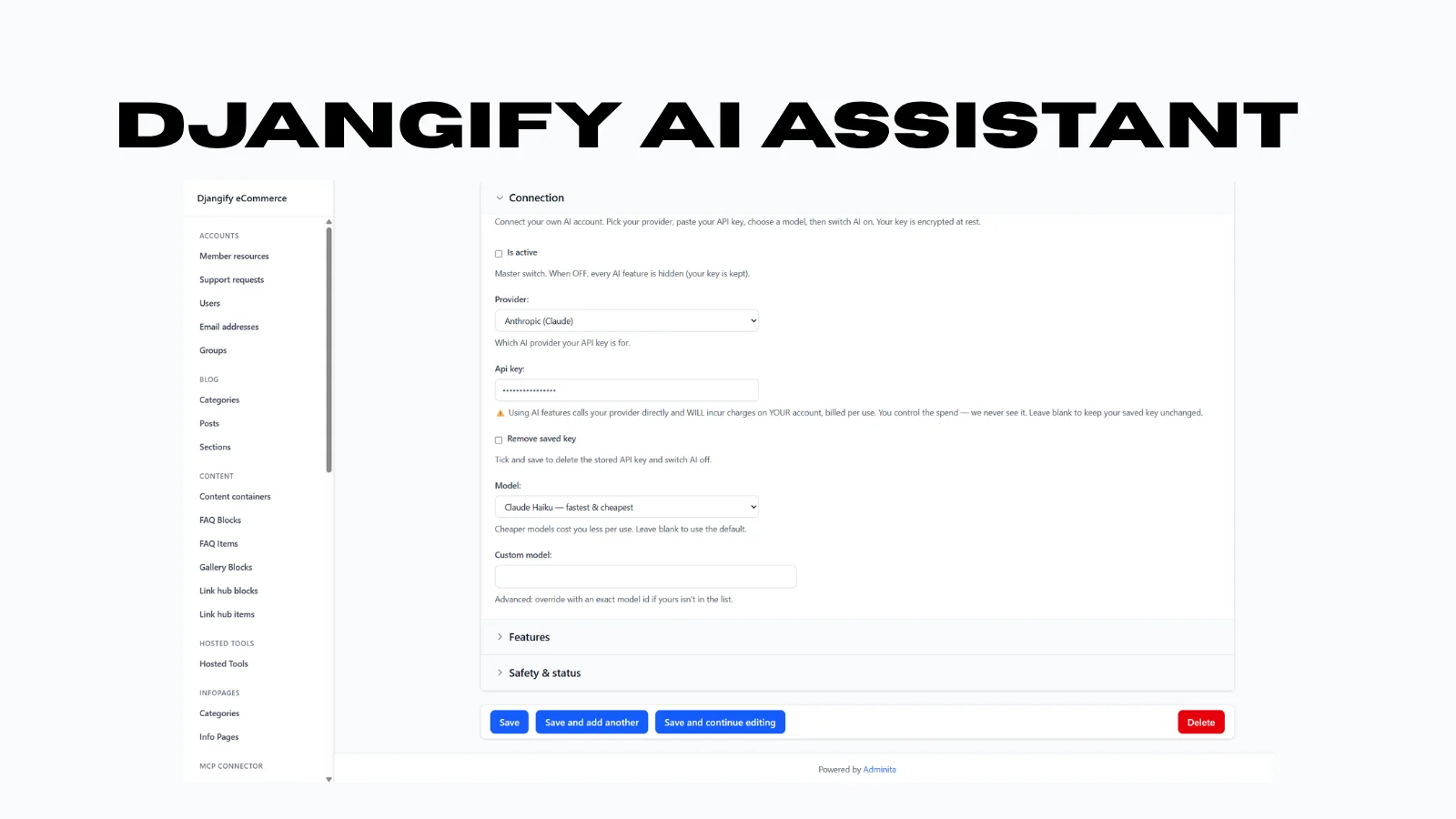
Now, thanks to the help of AI there is a new way. There's a proper Store Setup form built into the admin, and once it's filled in, a new owner has a choice for how the rest gets built: do it themselves, field by field, or connect Claude over MCP and have it apply everything automatically. If you already have a Claude Pro account I recommend using it - its faster.
What the form replaces
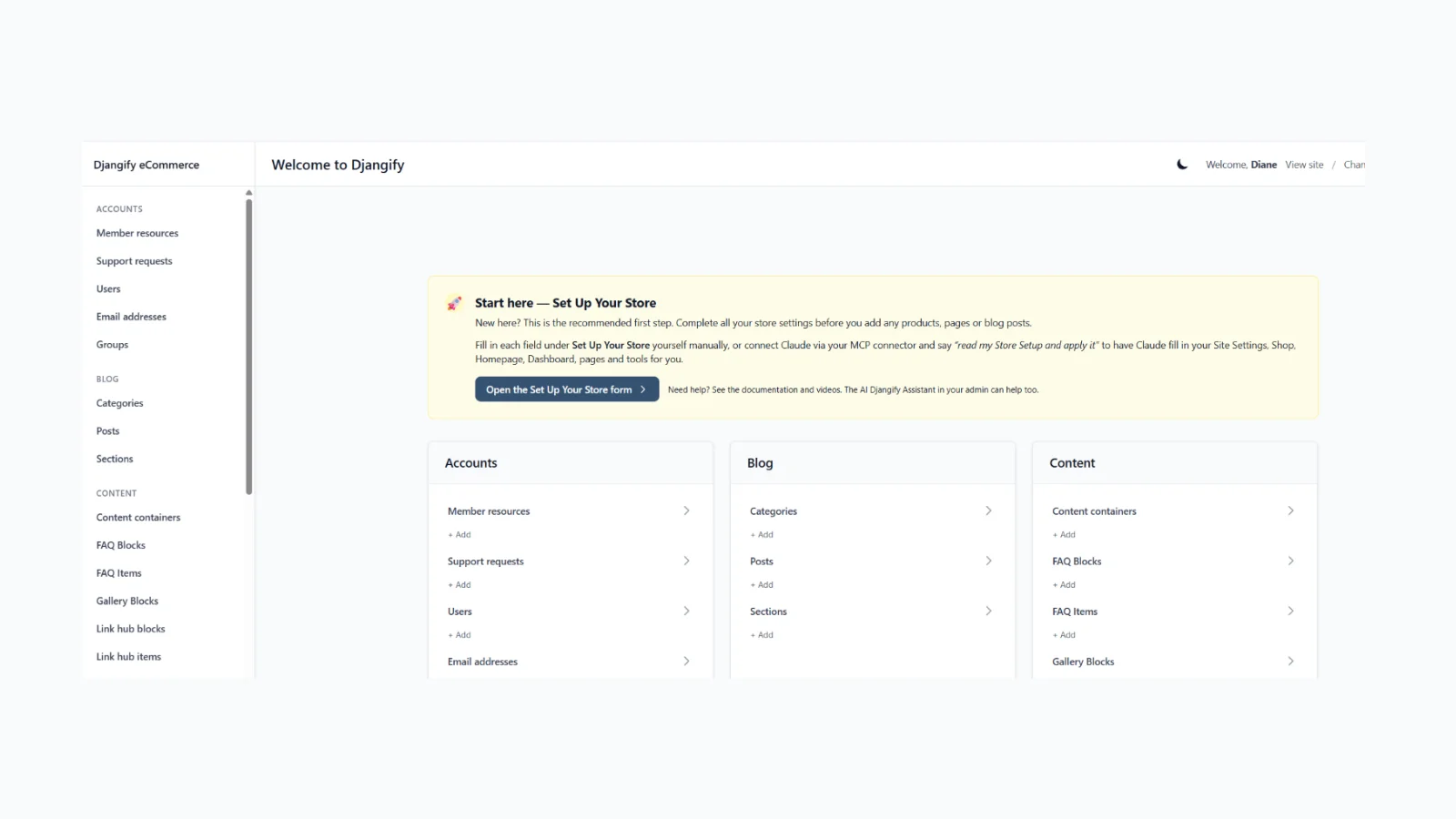
The new Store Setup page lives at /admin/store-setup/ and asks for exactly what the old spreadsheet asked for - things like business name, site author, support email, founder bio and expertise, homepage details, shop settings, dashboard settings, and the pages and hosted tools a new owner wants to launch with. It's the same information, just captured as a proper in-store form instead of a document that had to be emailed back and forth and applied manually on the other end.
Two ways to finish setup
Once the form is filled in, there are two paths, and they're not meant to be redundant alternatives so much as two speeds:
Fill in the fields yourself. Go through Site Settings, Shop Settings, Dashboard Settings, and create pages and hosted tools one at a time in the admin, same as before and at least you have all the information you need to hand via the template.
Or have Claude do it via MCP. Connect Claude to the store, and it reads the saved Store Setup answers directly, then applies them using the same tools a store owner would use by hand - site settings and homepage details go through one call, shop settings and dashboard settings through their own, and each page or hosted tool the owner listed gets created individually. A paid hosted tool gets its price turned into an actual linked product automatically, rather than needing that connection made manually afterward. The dashboard shows a box nudging new owners toward this once their form answers are saved but not yet applied, and it's mentioned in the welcome email too, so it isn't something people have to discover on their own.
Why this matters
The old workflow put a real delay between someone signing up and having a working store - a spreadsheet you completed first before setting up your store. Now that translation step is either self-serve in the admin, or handed off entirely: fill in a form once, connect Claude, and the site settings, shop settings, dashboard settings, starter pages, and hosted tools all get created and configured in one pass - from the same answers, whichever path is used.
Djangify Managed Hosting
This is available for both the self-hosted eCommerce system and the managed hosting versions of Djangify - if you are looking for a way to sell digital products take a look at what is on offer