It's been a busy six months. What started as a straightforward eCommerce shop for digital downloads has grown into a full content and marketing platform. It is still self-hosted, I own my data and I allow other people to own theirs. This post walks through every feature that is currently available, in the order you'll find them down the left-hand sidebar of the Admin area.
This is the feature list. For how the pieces underneath it actually work, self-hosted versus managed hosting, Docker, Stripe, and who's responsible for what, see How Djangify Works: A Clear Architecture Overview.
The Admin Area
Everything below lives inside one place: your Admin area. Every every feature is managed from the same sidebar. Think of this post as a tour down that sidebar, section by section.
The Dashboard Area
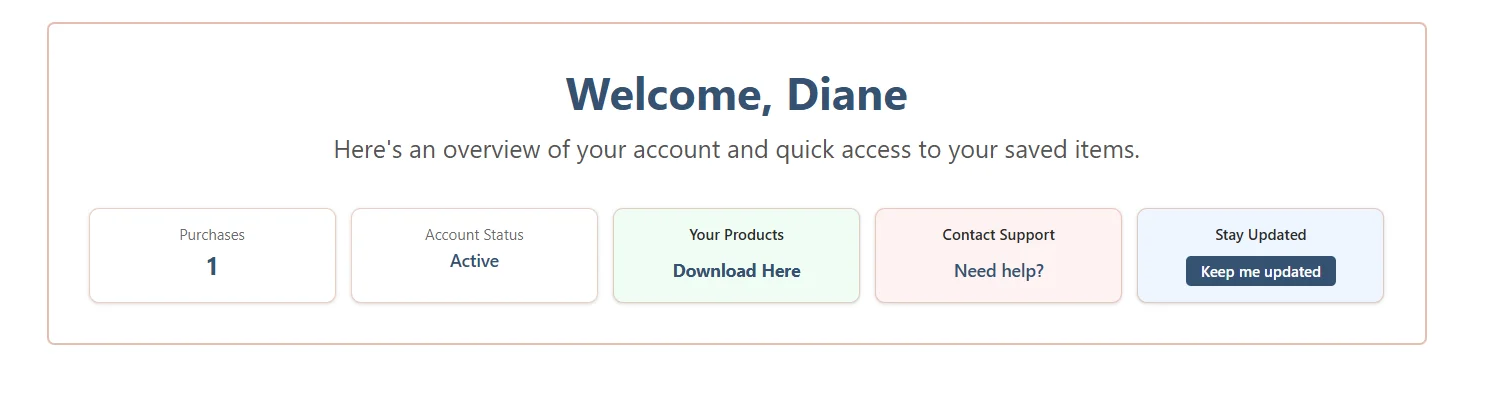
Before I start there is the dashboard area. This is the other side of the coin and what my customers see. Once someone registers and verifies their email, they land on their own Dashboard: a welcome message, their order history, any member-only resources they have access to, their wishlist, and quick links to support. The wording, announcement bar and support details shown here are all things you control from Dashboard Settings, so it feels like part of your site rather than a generic account page.
Accounts
Users
Every person who creates an account on your site shows up here - customers, members, anyone who's signed up. You can see their details, verify emails manually if needed, and manage permissions.
Member Resources
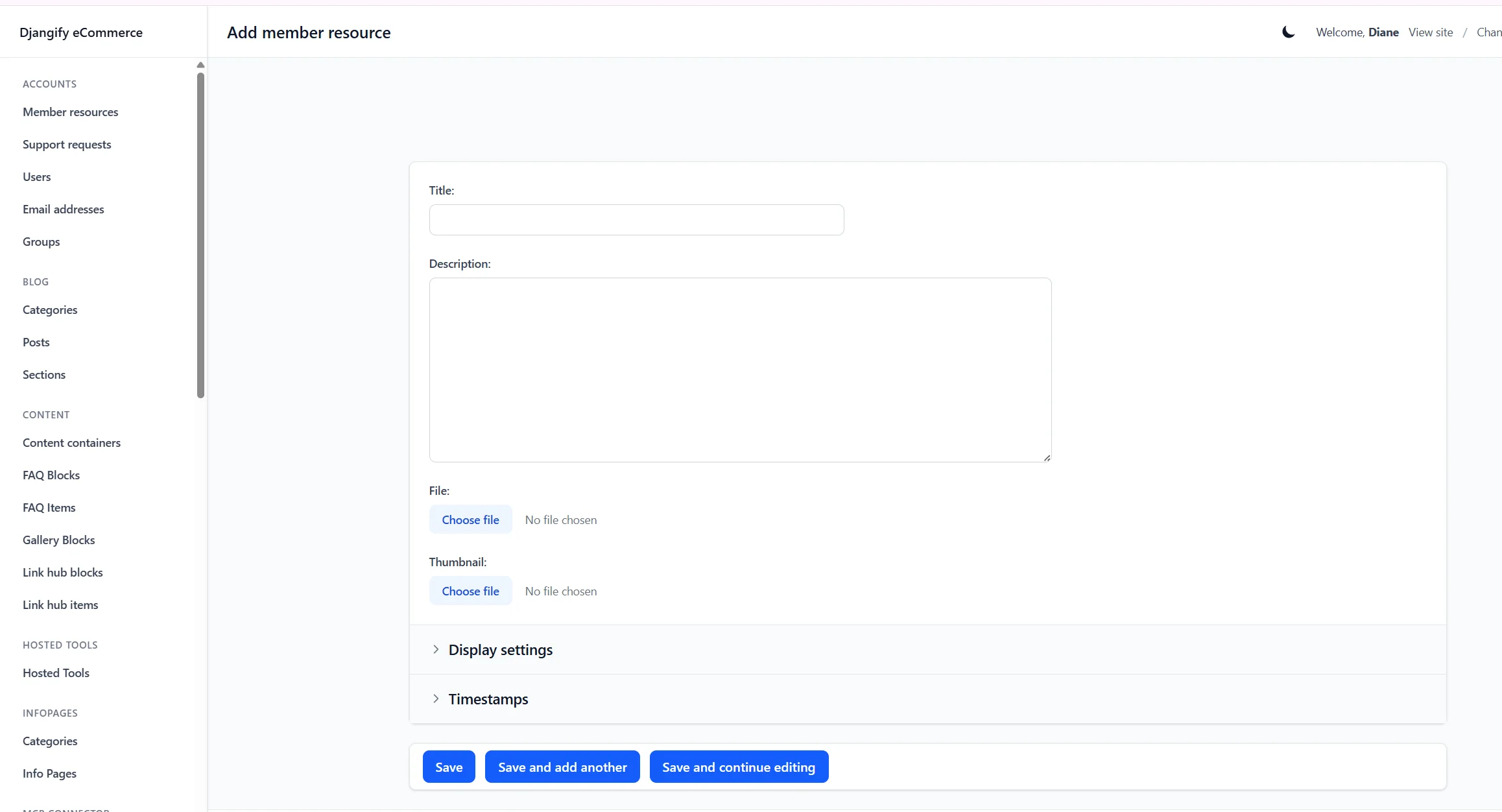
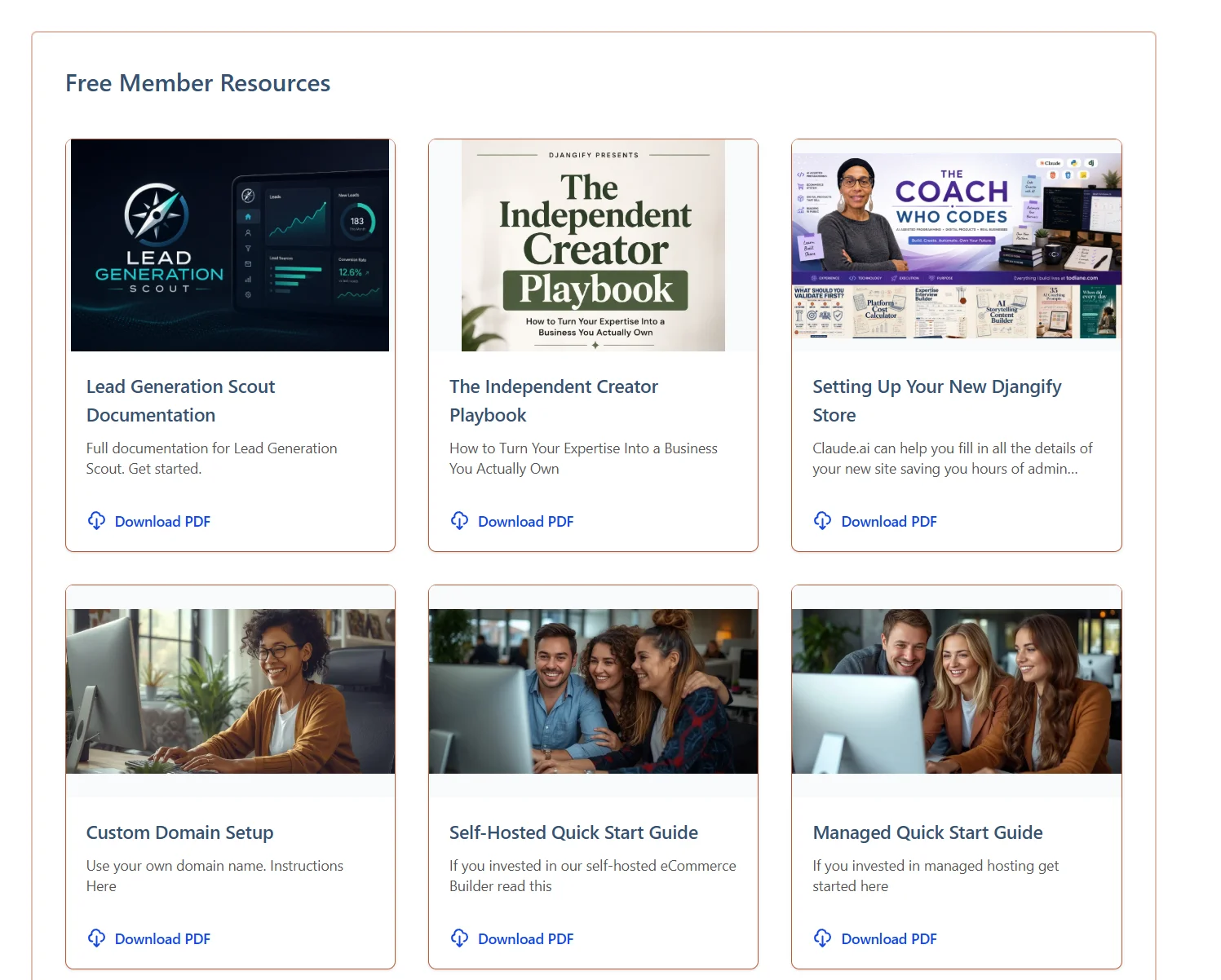
A way to give logged-in customers access to extra downloads that aren't for sale — bonus PDFs, templates, or files you want to give away to your community. Upload the file, mark it member-only, and it appears in their dashboard automatically.
Support Requests
A built-in inbox for customer questions. When someone submits a support request from your site, it lands here so you can read and respond without needing a separate helpdesk tool.
Blog
Categories
Organise your blog posts into categories so readers can browse by topic. Simple, but it keeps a growing blog easy to navigate.
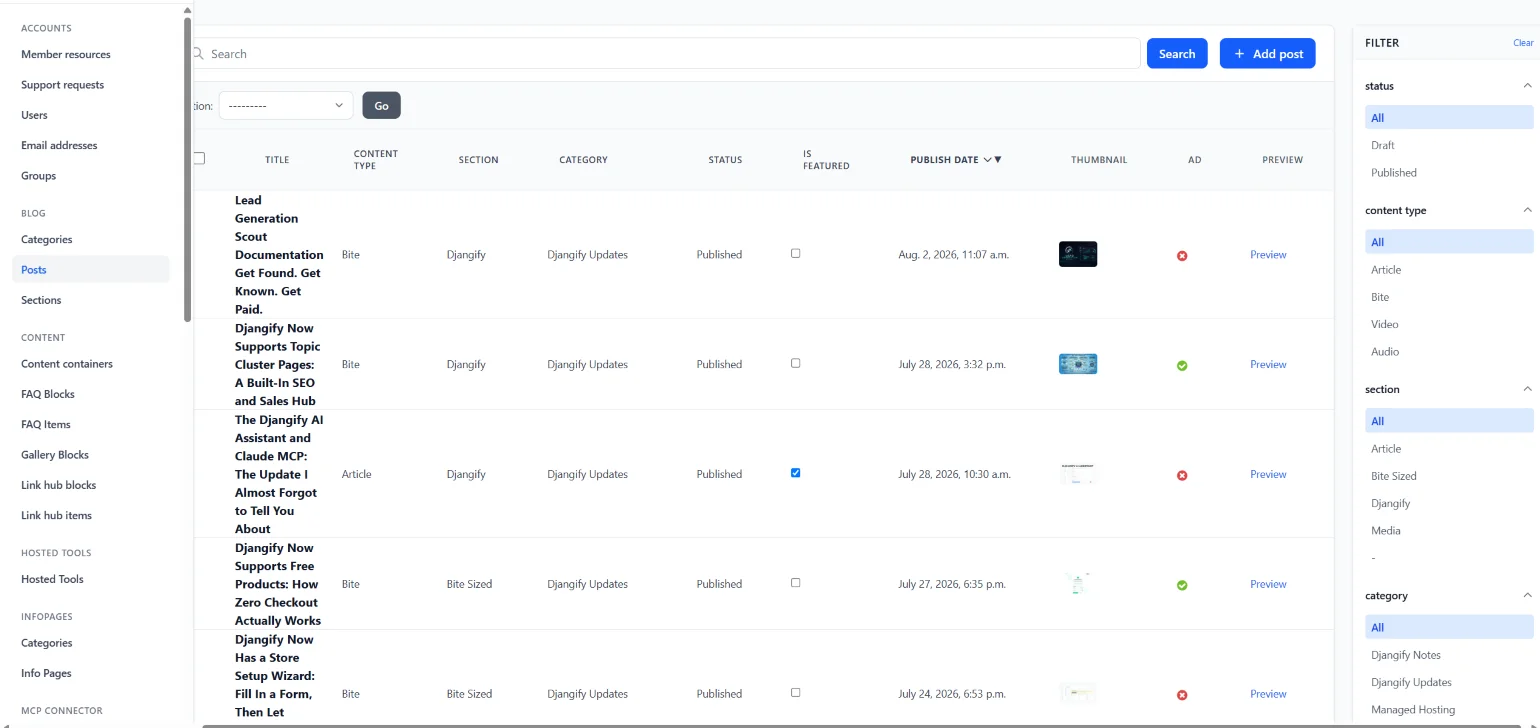
Posts
Full blogging with featured posts and rich media embeds built in — drop in a YouTube, Vimeo, Spotify, SoundCloud or podcast link and it embeds automatically, no extra plugin needed. Posts also get an optional AI-written summary box and full SEO/schema markup out of the box.
Themes
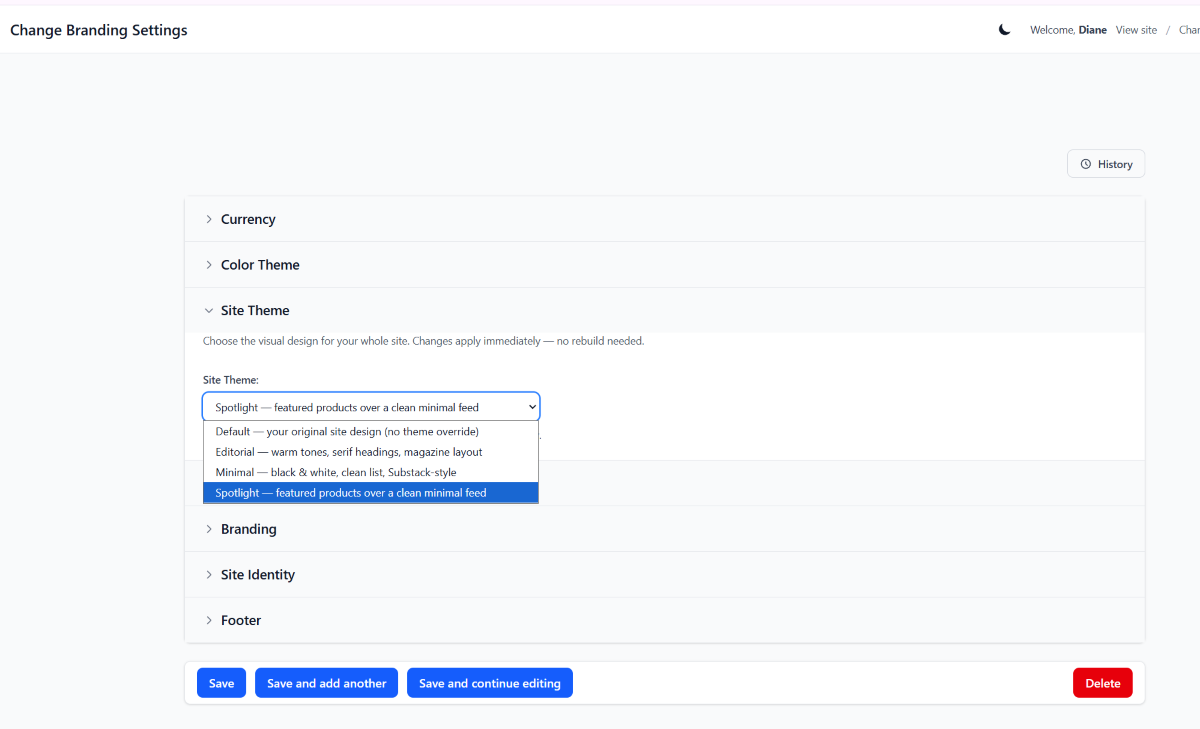
Your blog and shop can now wear a completely different look without touching any code. Choose from Classic (your original design), Editorial (warm tones, serif headings, magazine-style) or Minimal (black and white, clean list) - switch it from Site Settings any time you fancy a refresh.
Content
Content Containers
The engine behind your page builder. A container holds whichever blocks you want — hero, FAQ, gallery, and so on — and gets attached to a page. You'll rarely think about containers directly, but they're what makes the block system flexible.
FAQ Blocks
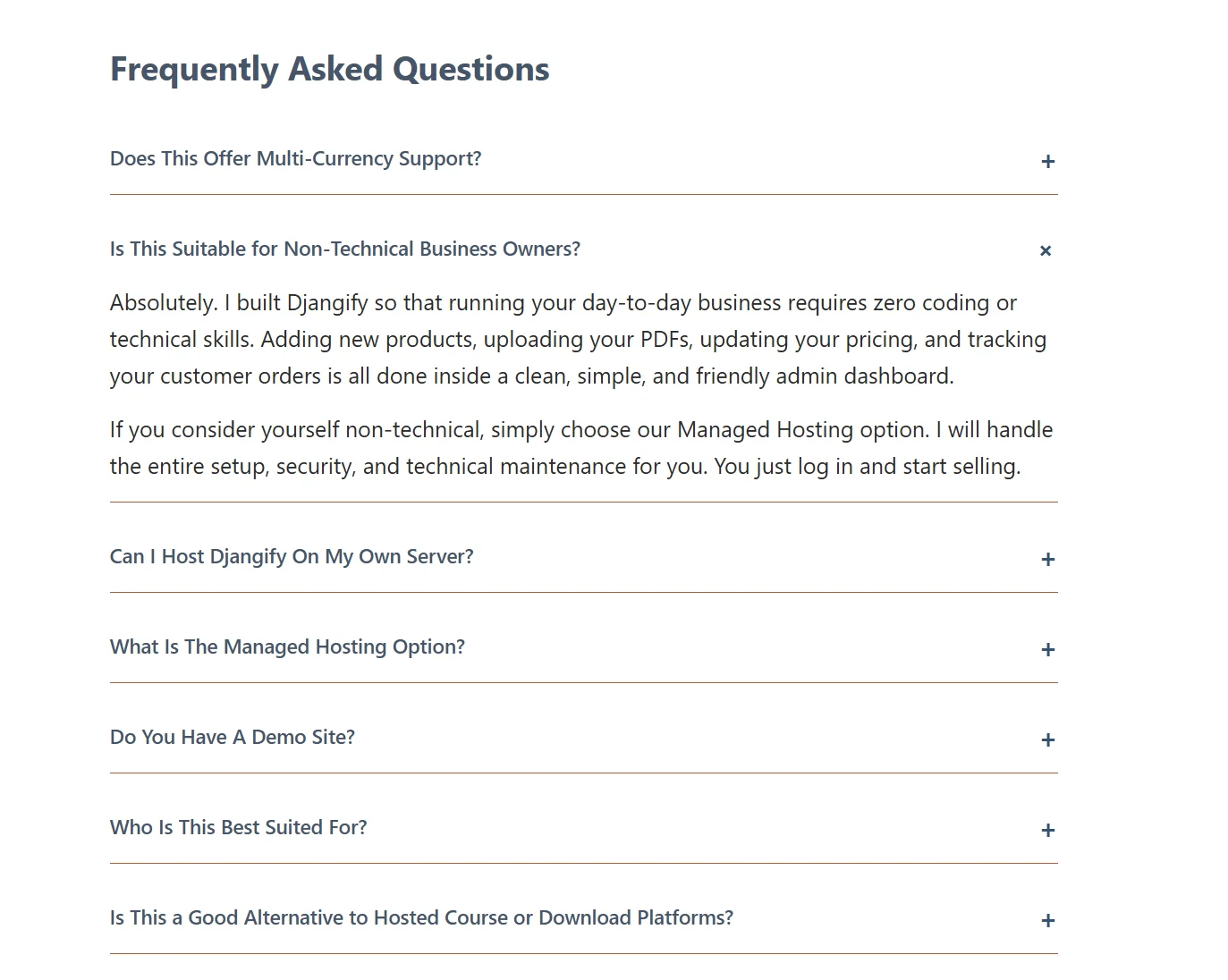
Add a set of question-and-answer pairs to any page. Handy for product pages, landing pages or anywhere customers have common questions — and it comes with FAQ schema built in, so search engines can show it too.
Gallery Blocks
Drop in a set of images and lay them out as a gallery on any page. This is great for showcasing product mockups, art, before/afters, or portfolio work.
LinkHub
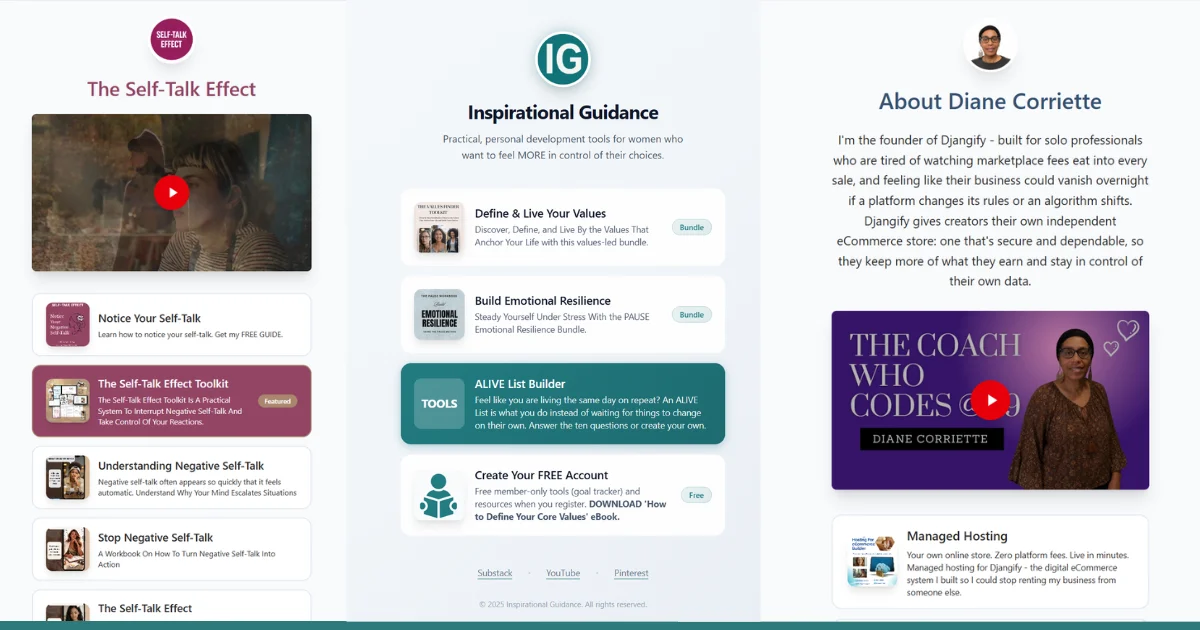
Your own link-in-bio page, hosted on your own site instead of a third-party tool. Create a titled block with a description and up to seven links, either to posts, products, or anywhere else, and publish it at its own URL to share in your profile bio on social media or in your newsletter. An example is https://www.djangify.com/links/about-diane-corriette
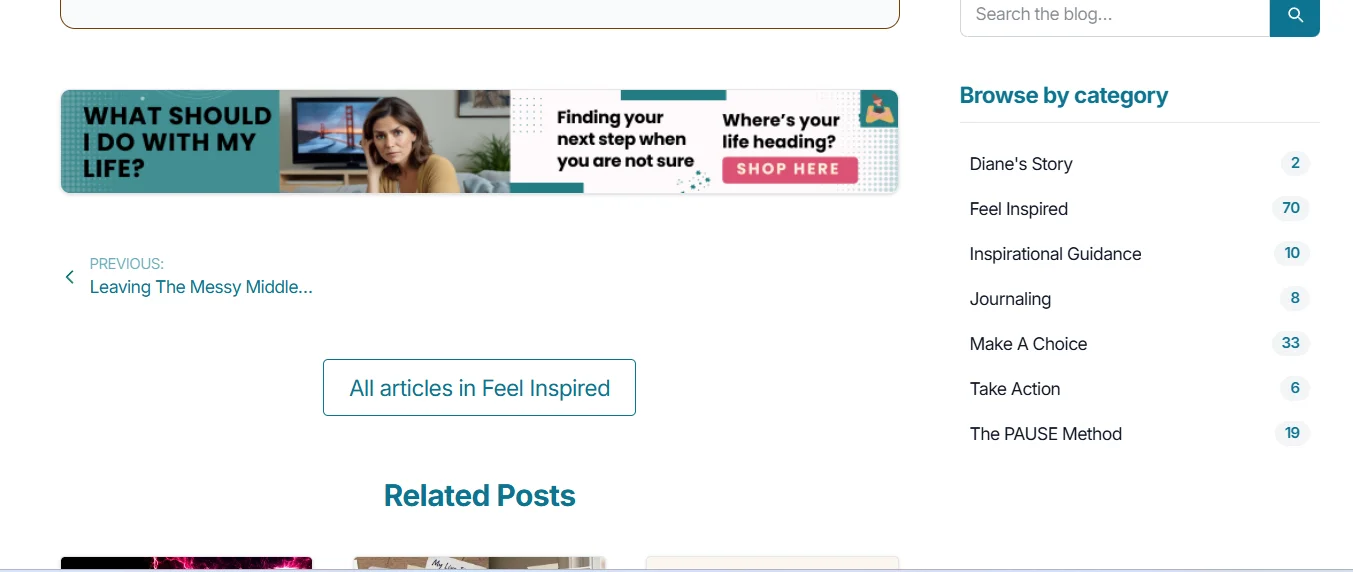
Video, Banner & Resource Blocks
Three more building blocks for your pages: a video block for embedding a single video inline, a banner block for an eye-catching promotional strip, and a resource block for linking out to a downloadable file or external resource. Mix and match them with the other blocks above to build out any page.
Example of a banner ad
Hosted Tools
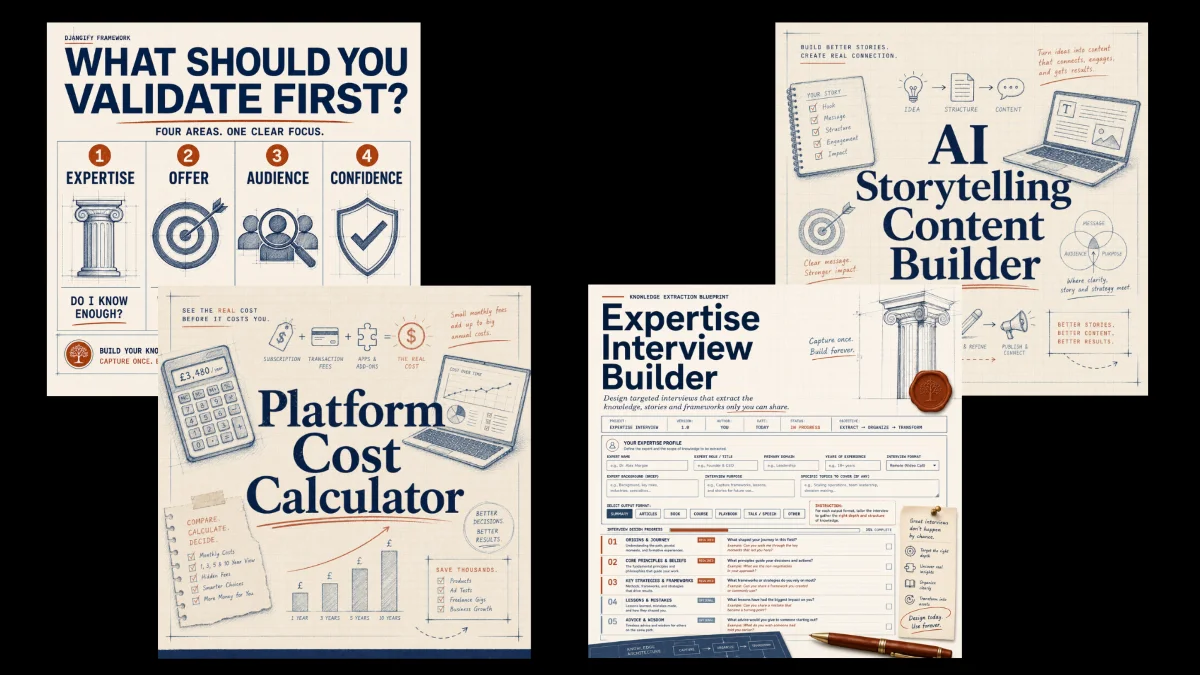
Hosted Tools let you publish interactive mini-apps directly on your own site like a calculator, a quiz, or a small widget. These are AI-built artifacts: ask Claude (or another AI) to build you a self-contained HTML tool, download the single .html file it gives you, and upload it here. Hit save and it's live at /tools/your-tool-name/, running safely inside a sandboxed frame so it can never touch your site's data. Simply upload and publish. You can find an example here:
https://www.djangify.com/tools/
Infopages
Categories
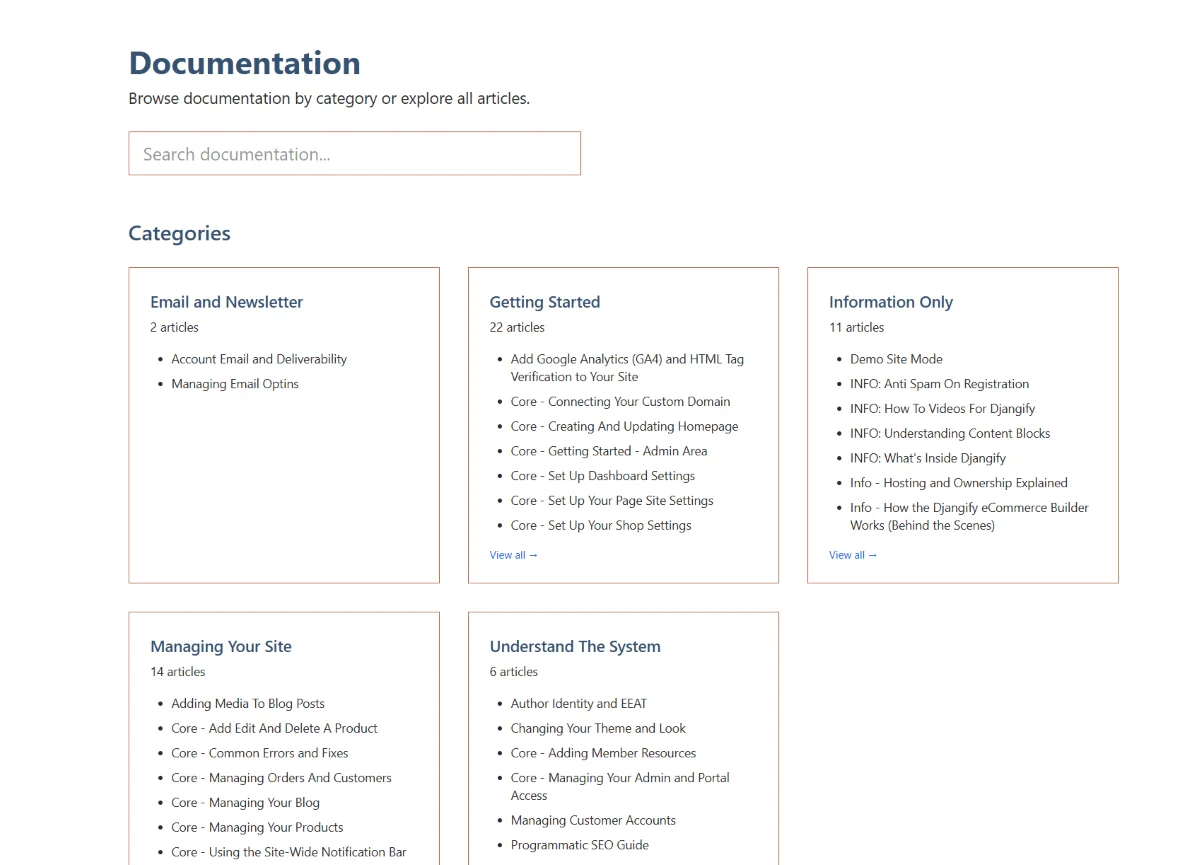
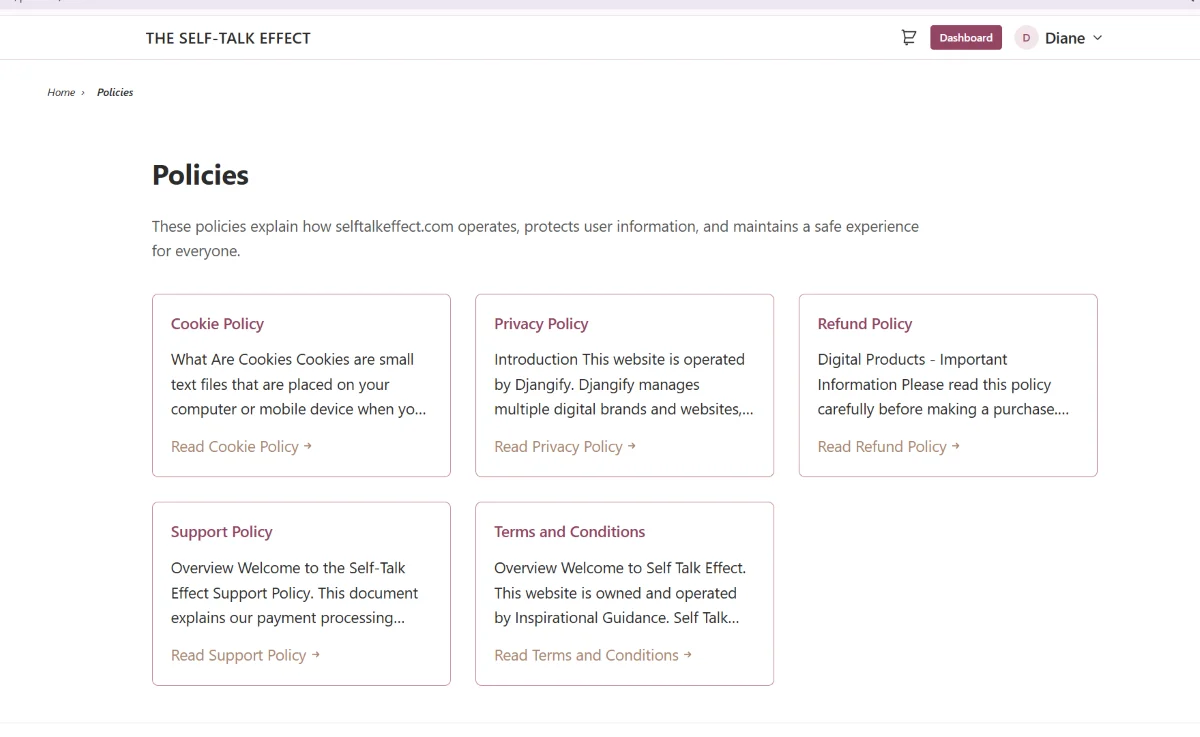
Group your documentation and policy pages into categories, so things like "Legal" and "Help" stay organised as the list grows.
Info Pages
Your policy and documentation pages — privacy policy, terms, FAQs about your site all live here, organised by category and easy to keep up to date.
MCP Connector
This section lets you connect the eCommerce builder to outside tools using Claude's MCP (Model Context Protocol). Right now each connection has its own page in the sidebar, though these will likely be combined into a single page soon to keep things tidier.
Connect to Product Tracker
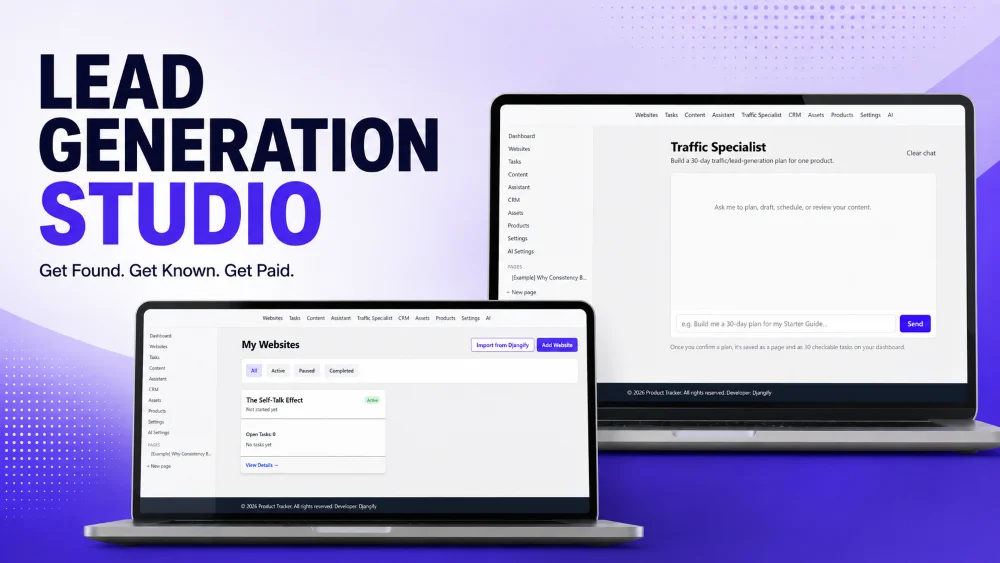
Connects your site to the Lead Generation Studio product tracker, so you can monitor how your products are performing from outside the admin. At the time of writing, this is only available on Diane's own sites while it's being finished — it's planned to roll out to everyone before the end of 2026.
Connect to Claude
This is the main event: connect your site to your own Claude account so you can manage it by chatting — creating and editing products or posts, tuning SEO, running a site audit, all from Claude instead of clicking through the admin.
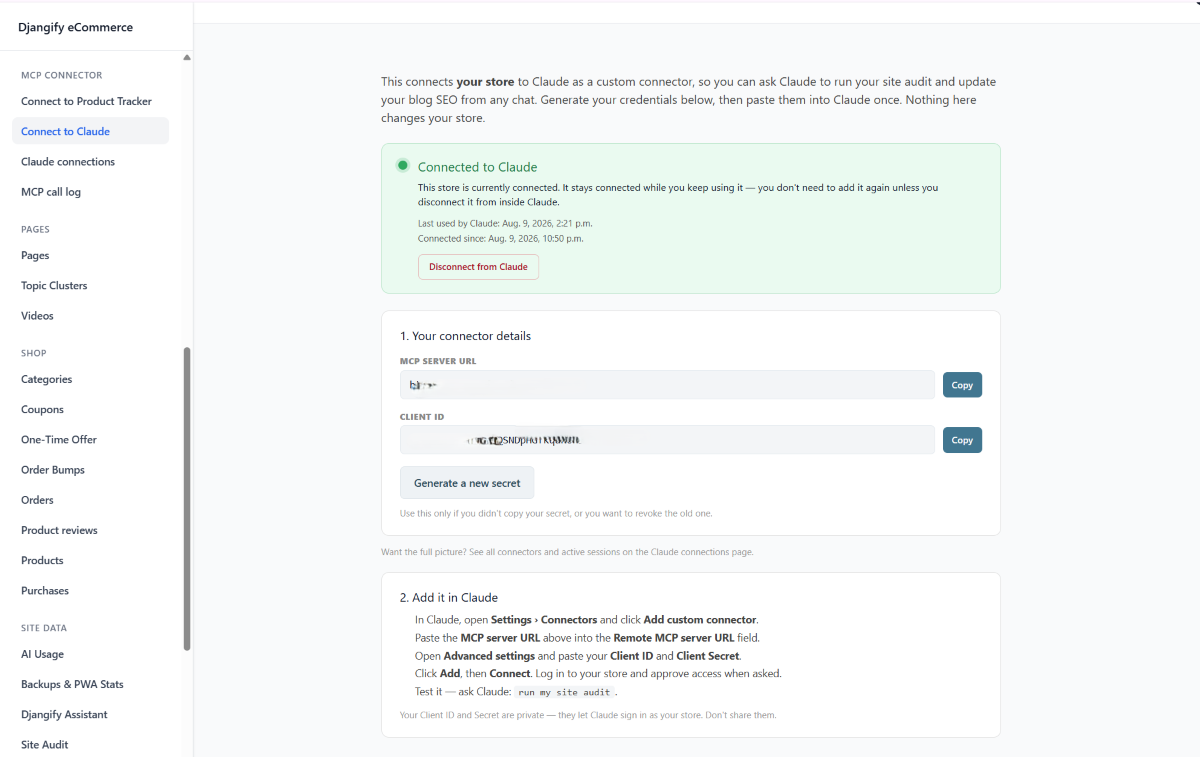
Claude Connections
A read-only overview of which Claude accounts are currently connected to your site, so you can see at a glance what's linked and revoke access if needed.
MCP Call Log
Every action Claude takes on your site through the connector is logged here - what was called, when, and by which connection. Useful if you ever want to see exactly what changed and why.
Connect to MTDify (Coming Soon)
Manage Transactions Daily (MTDify) is basic bookkeeping software, and this connection will let you send your Djangify sales records straight into it automatically, so if you want a running record of your income for bookkeeping, it's kept in sync without any manual entry. Not available yet, but on the way.
Pages
The page builder itself. You can build out your Home, About, Custom, Gallery or Landing pages by attaching the content blocks covered above, no code required.
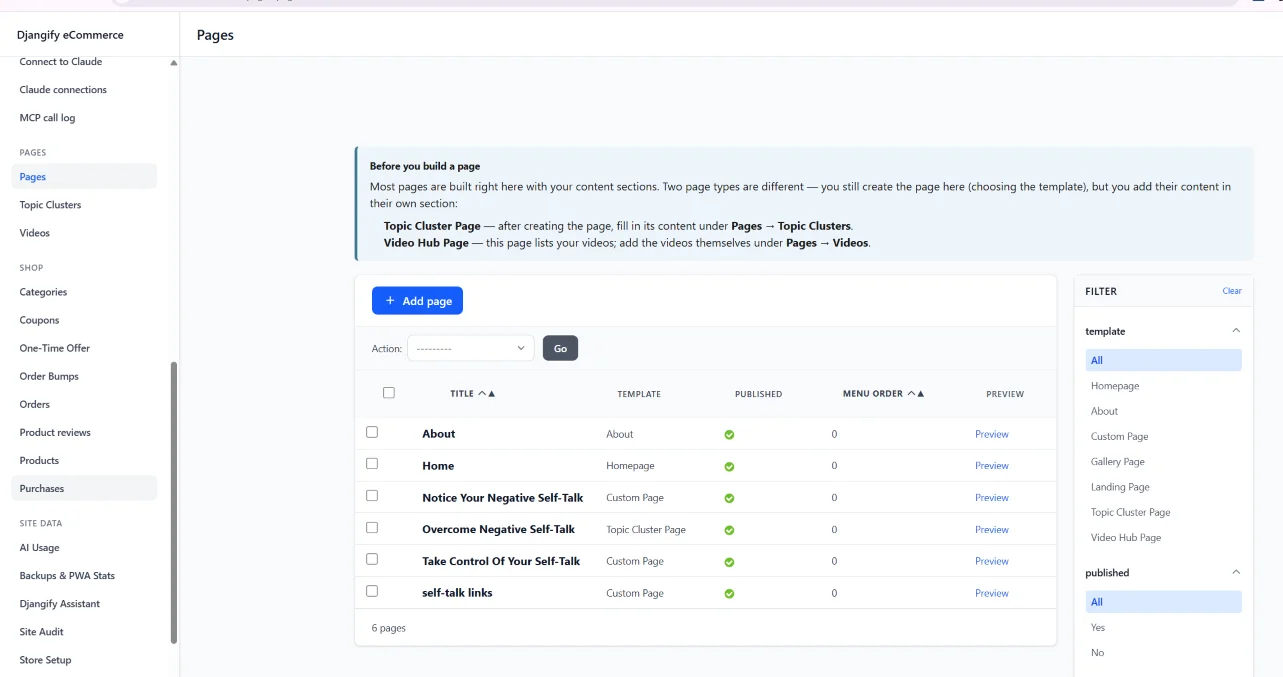
Topic Clusters
A tool for building long-form "pillar guide" pages that go deep on a single topic — built from steps, sections, quick answers, related articles and FAQs, all in one structured page. It's designed to help a single page earn real topical authority and rank for a whole cluster of related searches, rather than just one keyword.
Funnel Possibilities
You don't need separate funnel software to run a simple promotion. Build a Custom or Landing page, add your newsletter provider's signup embed, and you've got a standalone page with no distractions — just your offer and one way to act on it. Share that single link to promote a webinar, a launch, or a specific product, and anyone who lands on it opts in or buys without ever seeing the rest of your site.
Video Hub
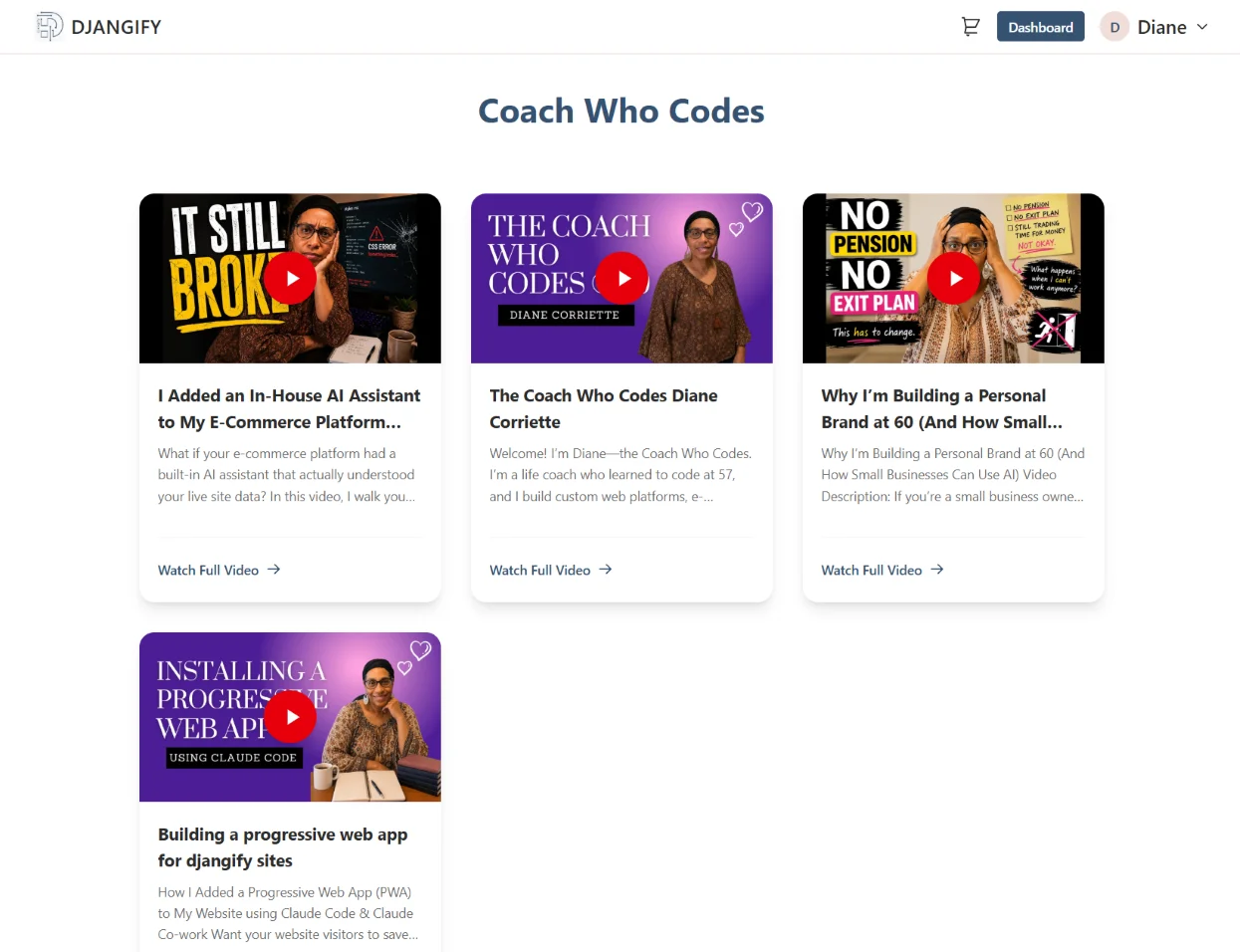
A dedicated video library for your site. Each video gets its own indexable page with proper video schema for search engines, a shoppable product carousel underneath it, and a strip of related videos — all listed together on a central "Video Hub" page.
Shop
Categories
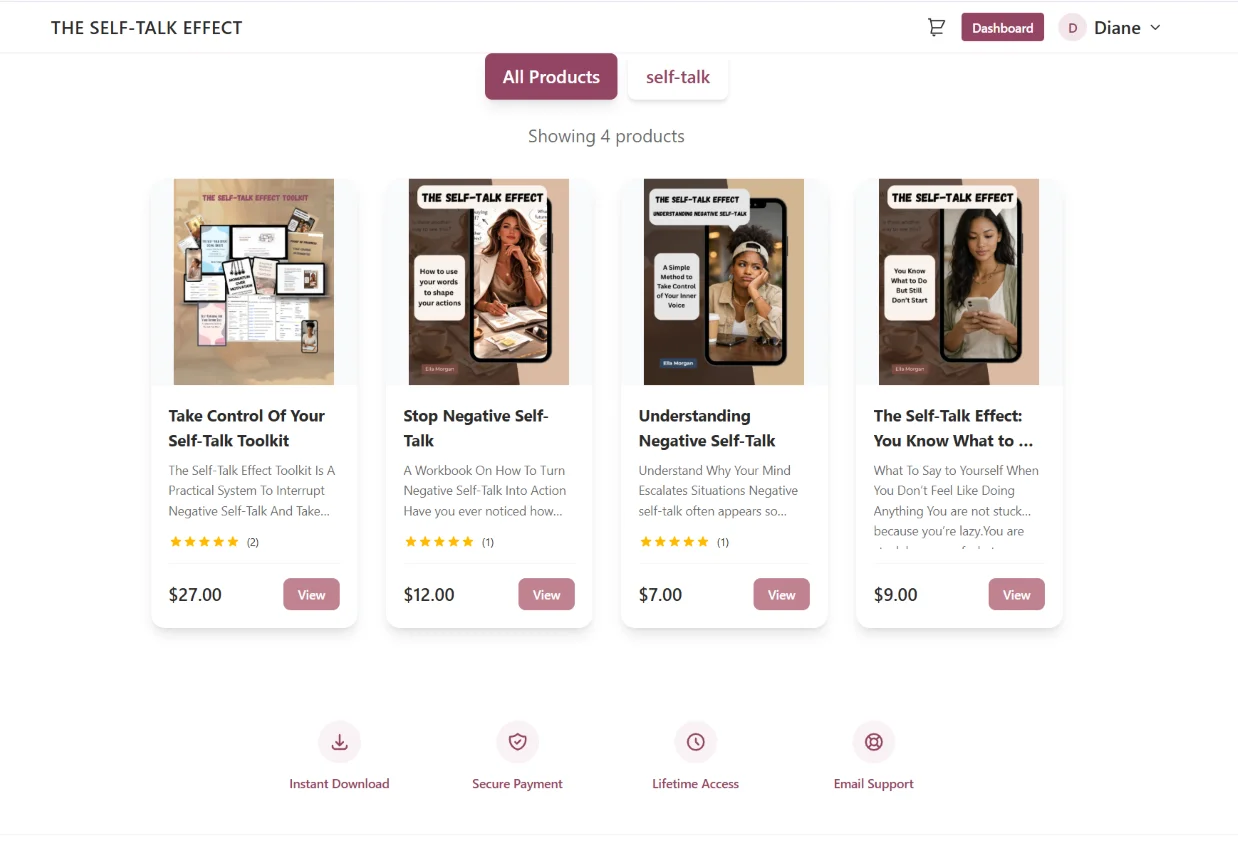
Organise your products into categories so customers can browse your catalogue instead of scrolling one long list.
Products
The heart of your site — title, description, images, downloadable files and price. Publish when ready and it's live for sale, complete with reviews, secure downloads and download limits.
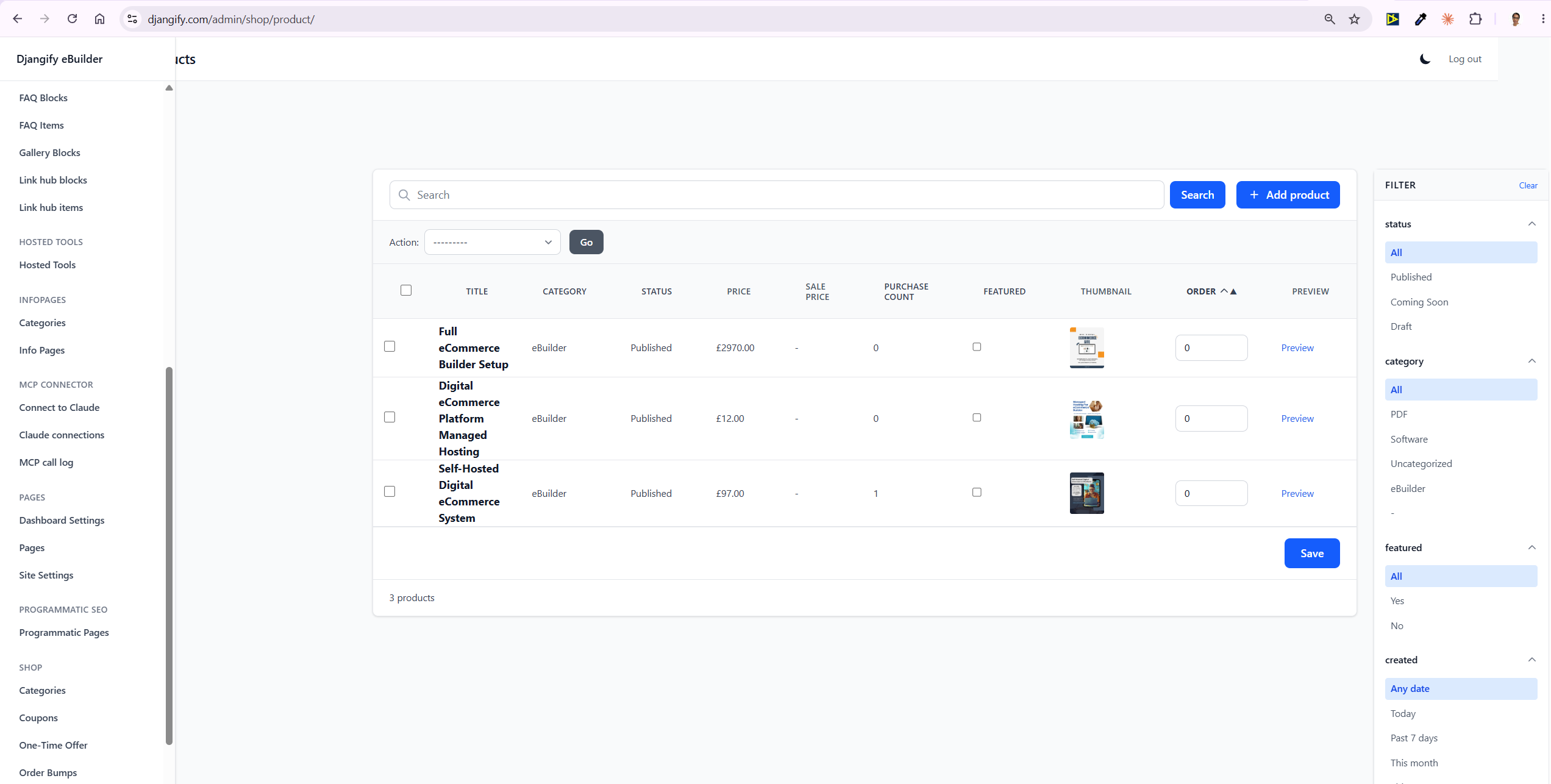
Not Just Downloads — Services Too
A "product" doesn't have to mean a finished digital file someone downloads and that's it. If you offer a service — email coaching, a webinar, a live session — you can sell that the same way: the customer pays, and what they download afterwards is a PDF explaining what happens next, how to book their session, or what to expect. It's a simple way to sell services and events through the same shop, without needing separate booking or delivery software.
Orders
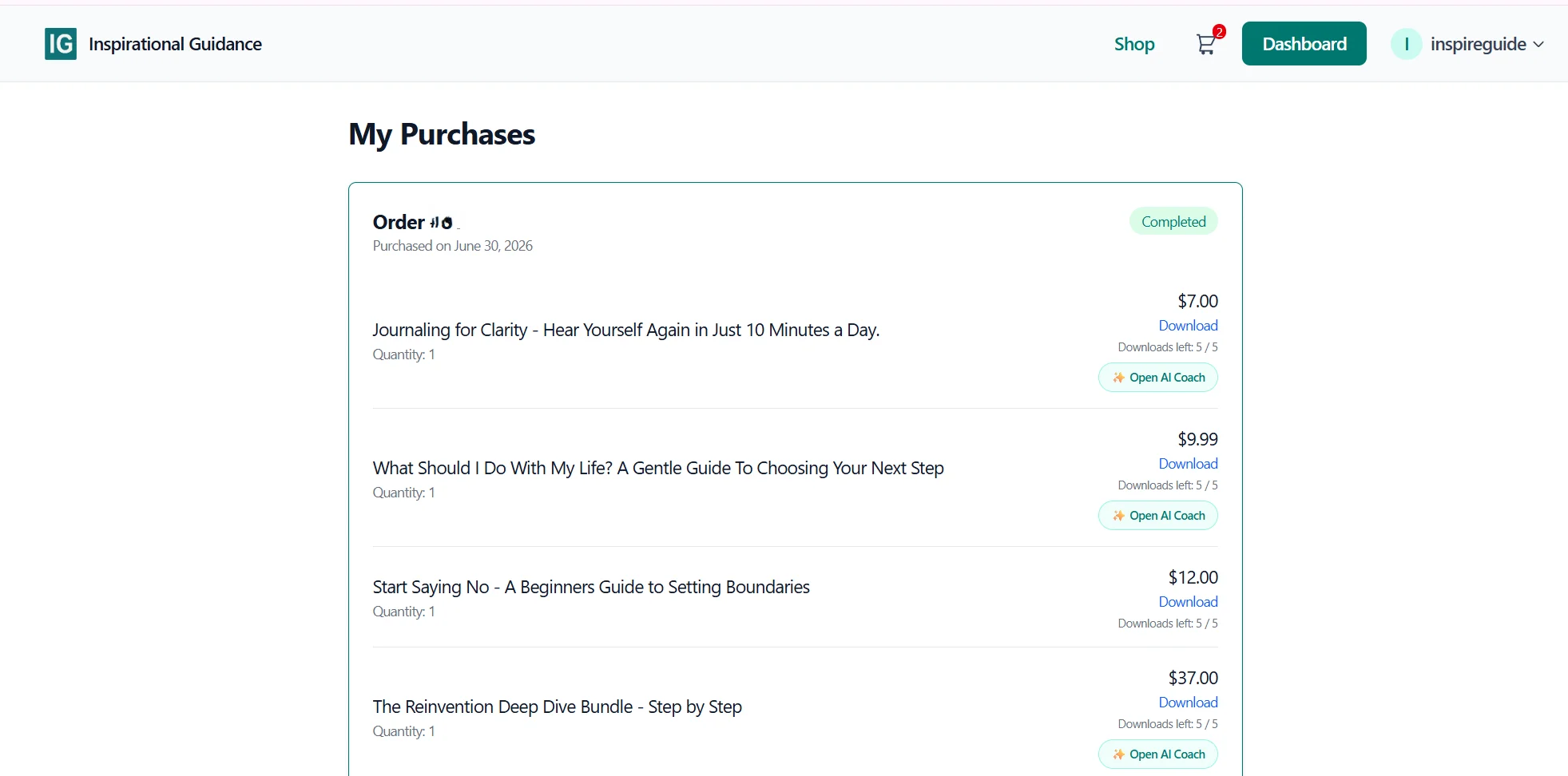
Every order placed on your site, with status, items and customer details, so you always have a full record of what's sold. Your Customer also has details of the order in their dashboard area.
Coupons
Percentage or fixed-amount discount codes, with validity windows, usage limits, minimum-order rules, and the option to restrict a coupon to specific products only. Give out coupons to potential or existing customers to use in your shop.
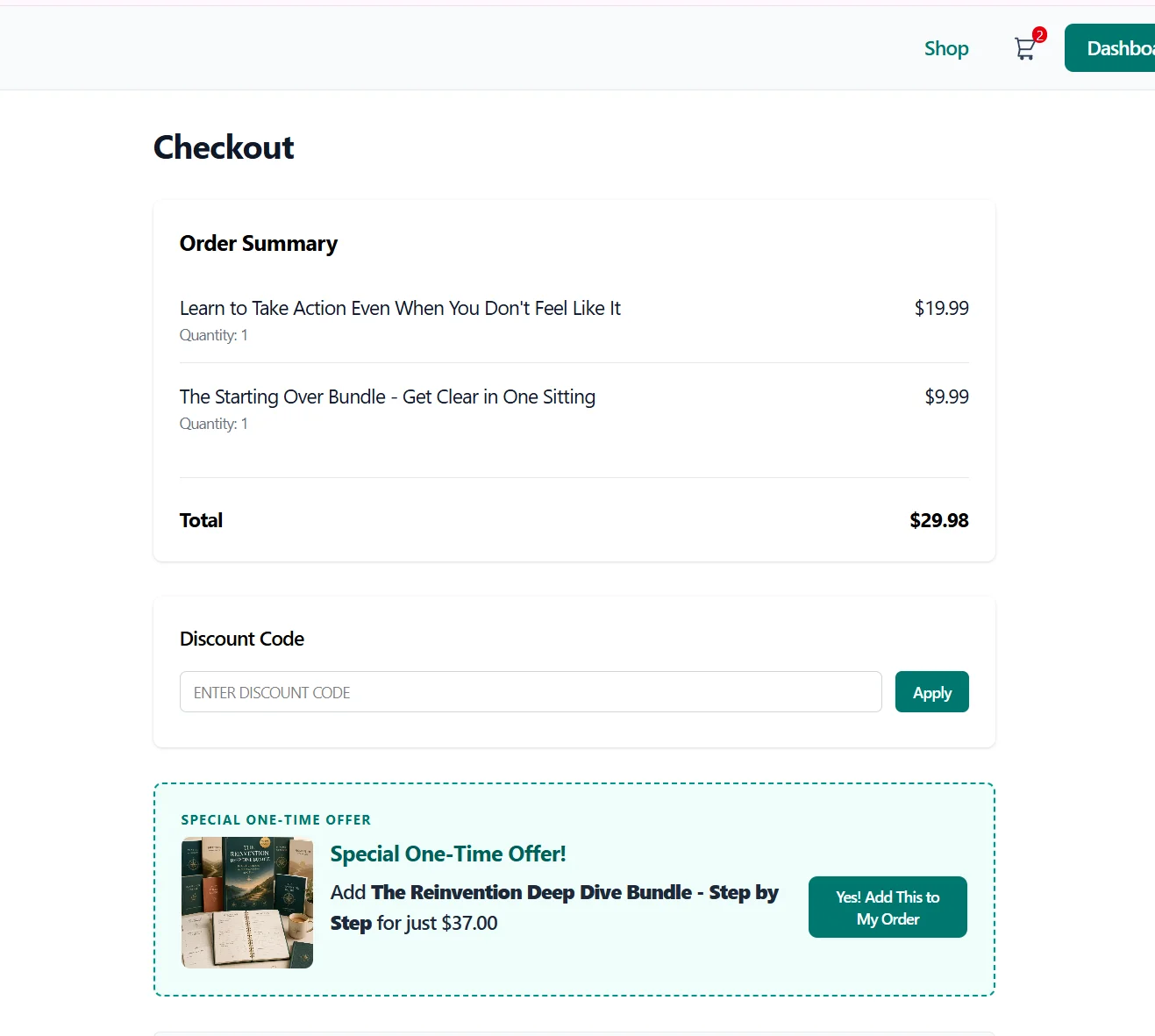
Order Bumps
One-time add-on offers shown right at checkout - a classic upsell that can be triggered by what's already in the customer's cart. As admin you can choose your two products. The one in the cart, and the product that will be offered as a result. When a customer adds that product to their cart they will be invited to also include a related product that you have chosen.
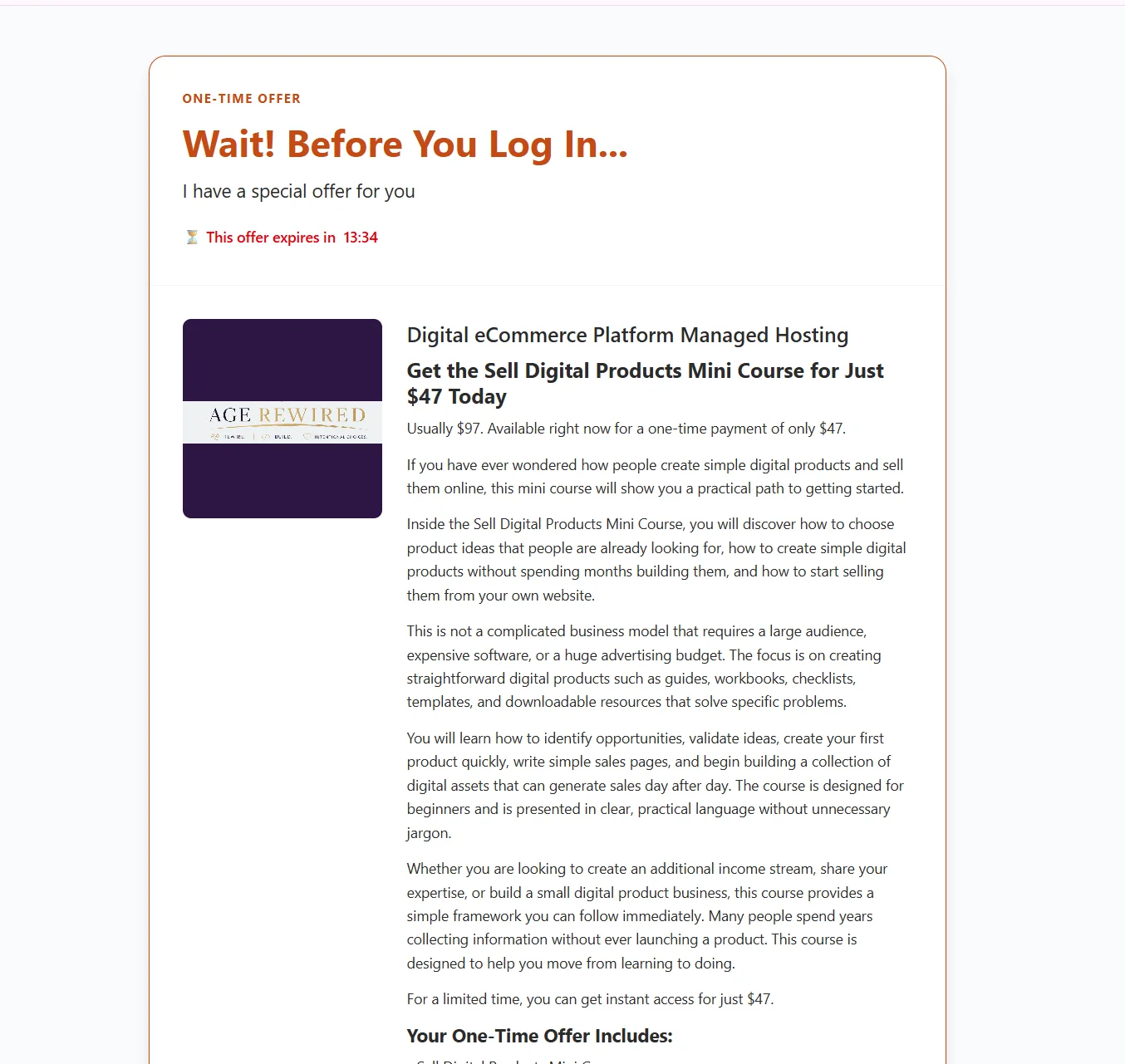
One-Time Offers
A single special offer shown once, right after a new customer verifies their email for the first time — either one product or a discounted bundle, a nice way to turn a free signup into a first sale.
Purchases / Wishlists
A record of what each customer has bought and saved. Purchases track ownership for secure re-downloads; wishlists let customers save products they're interested in for later.
Site Data
A reporting and backup hub, kept separate from your day-to-day content so it doesn't get lost among products and posts.
AI Usage
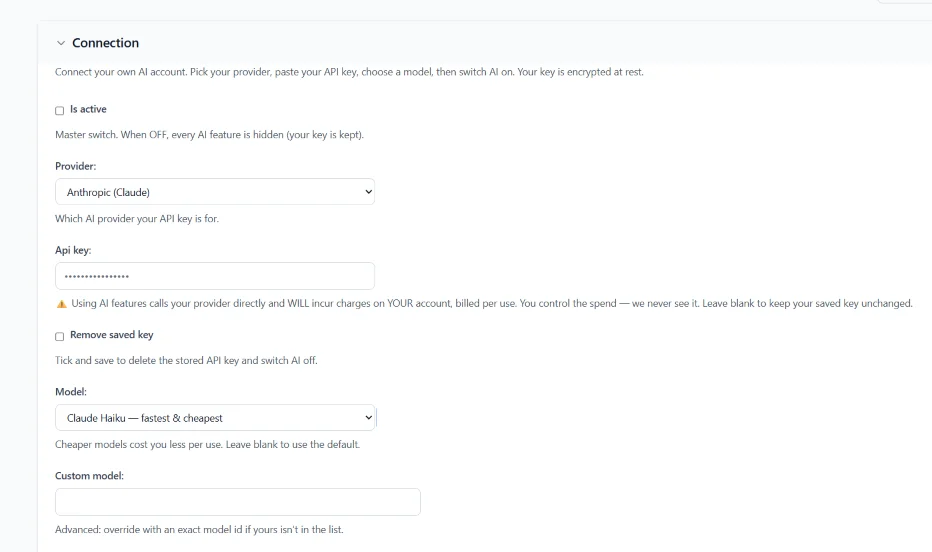
A log of every AI call made on your site — which feature used it, which provider and model, and how many tokens it cost — so you always know what your AI features are actually using.
Backups & PWA Stats
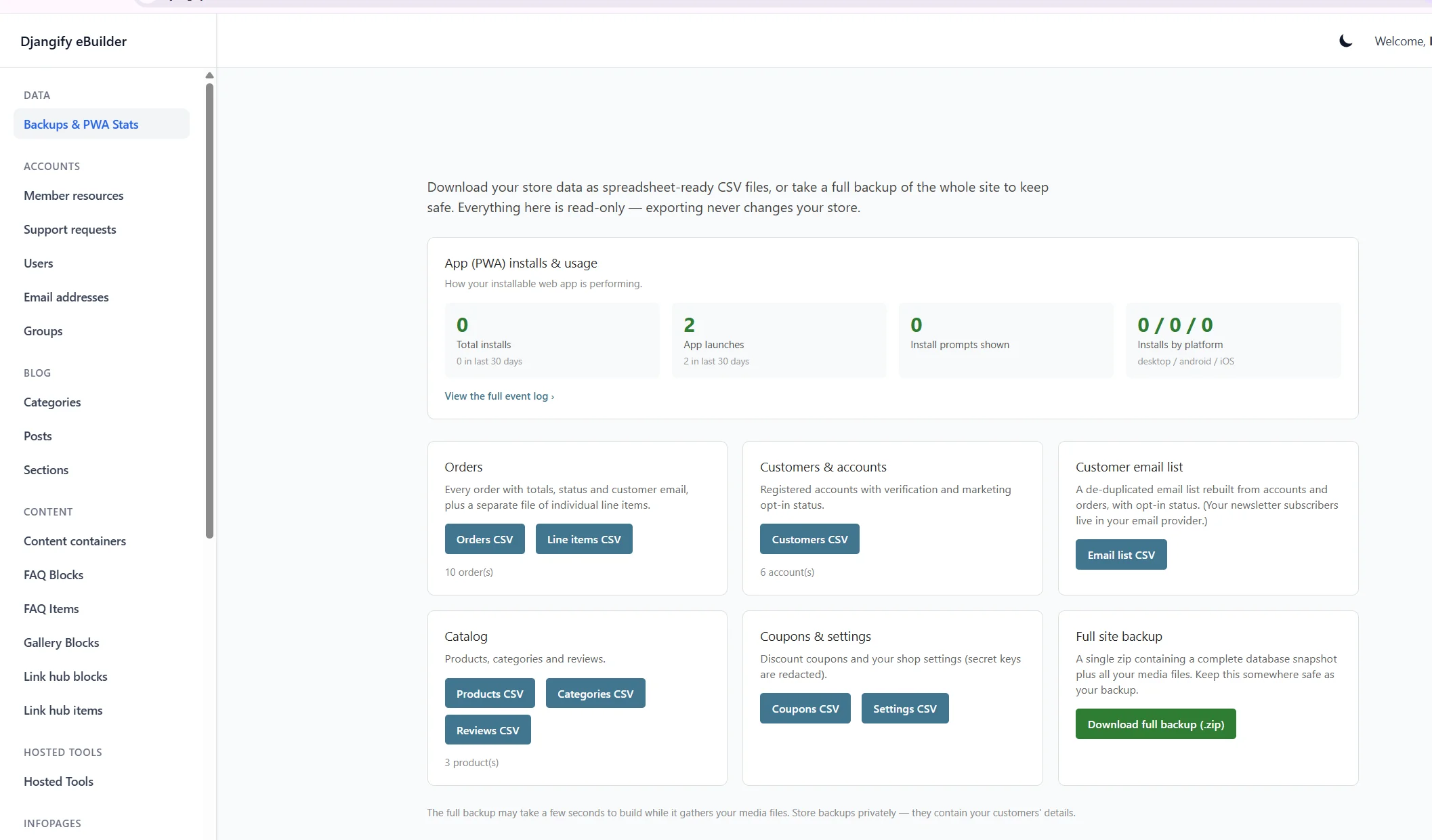
One-click CSV exports of your orders, customers, email list, catalogue and settings, plus a full-site backup zip you can download any time. This is also where you'll find your PWA install stats — how many visitors have installed your site as an app on their phone or desktop.
Djangify Assistant
A ChatGPT-style chat built right into your admin, for talking through how to run and grow your site — optionally using your own live site data as context, so its answers are about your business, not a generic one.
Site Audit
A free scan of your whole site including catalogue, pages, blog and SEO/trust setup. All scored across four areas, with every flagged issue linking straight to where you fix it. No AI key required for the basic scan; connect one for a deeper AI-powered review.
Shop Setup
A guided, one-form setup wizard that replaces the old emailed setup spreadsheet. Fill in your branding, homepage, shop display and dashboard copy once, and it's applied to your live site automatically via the MCP connector.
Site Settings — Your First Stop
Before you touch a product, a post, or a page, start here. Site Settings is where your branding and colours, typography, email/SMTP, SEO defaults, general site behaviour, dashboard copy, and your shop's Stripe and delivery settings all live.
It is also the place you go to select your currency - Sterling £, Dollar $, Euro are all available.
Get this right first and everything you build afterwards — pages, products, posts — inherits it automatically. There's even a message in your dashboard nudging you to do exactly this before anything else.
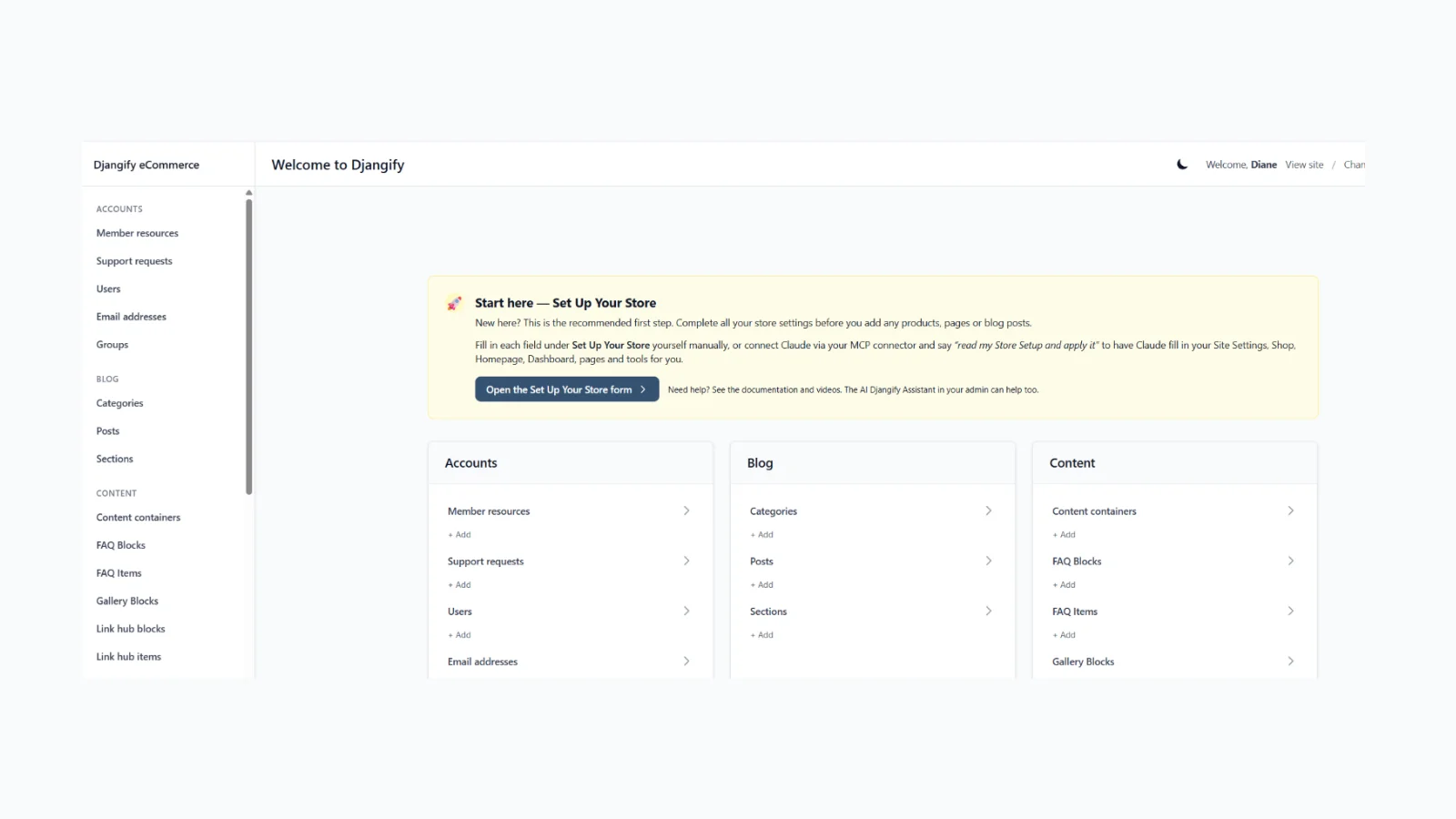
The easiest way in is the Shop Setup template under Site Data. Go through it and make notes of everything you want: your business name, colours, homepage layout, shop display preferences, dashboard and support copy, the pages you want built, the tools you want live. Then hand that template over to Claude through the MCP connector, and Claude fills the settings in for you. You don't have to click through every field yourself — the AI can.
There are limits, and they're deliberate. Claude can set up your configuration, but it can't upload your actual products, files or images — that's your content, so you add it yourself. And it will never touch anything sensitive: passwords, Stripe keys, SMTP credentials and other secrets are entered by you, directly in the admin, and never handled by the AI.
That's everything as it stands today. Six months of features, all still running on the same principle this project started with: you own your site, your data, and your future — no rented platform, no forced upgrades, no lock-in.
What's Next
The bookkeeping connector - Connect to MTDify - is coming soon, letting your sales records flow straight into your books without manual entry.
Beyond that, email is really the last piece keeping Djangify from being a fully complete system on its own: right now you bring your own newsletter provider and SMTP. Looking into how to build a simple, built-in email system is on the cards for 2027.